



Description
Save valuable time by using Diginia to create your digital marketing agency website effortlessly. With the Elementor Page Builder, you can easily customize every aspect without needing to code—just drag and drop. This template kit is optimized for use with the free Hello Elementor theme but can be applied to most themes that support Elementor, giving you flexibility and ease in website development.
Features :
- Unique, clean, and modern design style
- 10 ready to use pages
- 13 ready to use templates & forms
- Using free plugins (Elementor Pro is not required)
- Container layout
- 100% fully responsive layout
- Customize fonts and colors in one place (Global Kit Style)
Templates in Zip :
- Header
- Footer
- Contact Form
- Single Portfolio
- Portfolio
- About Us
- Services
- Pricing Plan
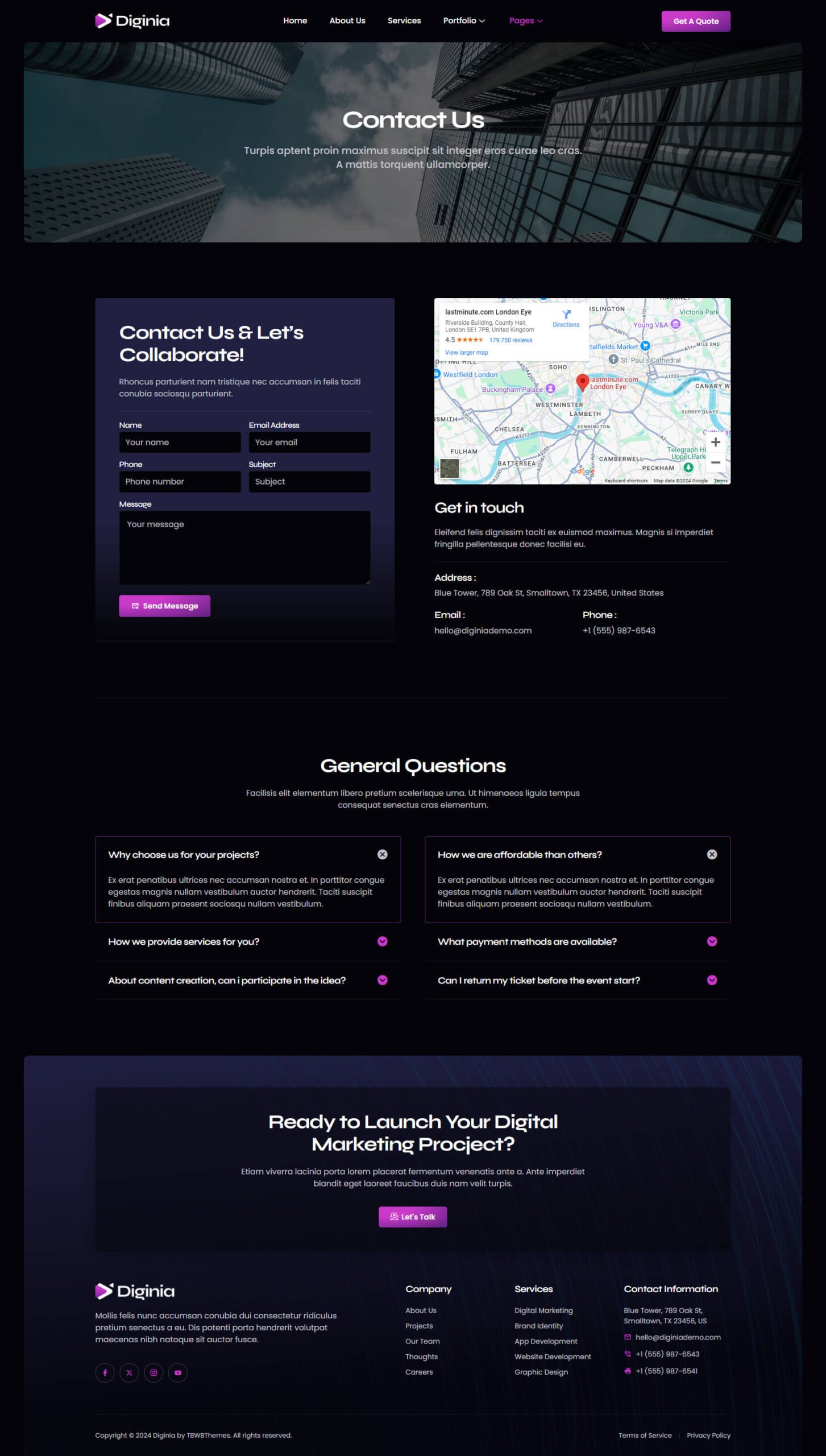
- Contact Us
- 404 Page
- Single Post
- Blog
- Homepage
- Global Kit Styles
Required Plugins :
- Elementskit Lite
- Skyboot Icons
- Metform
How to Use Template Kits: This is not a WordPress Theme. Template kits contain the design data for Elementor only and are installed using the envato Elements plugin for WordPress or directly through Elementor.
Elementor Template Kits use the Envato Elements plugin to install.
How to Import Metforms :
- Import the metform block templates
- Import the page template where the form appears and right-click to enable the Navigator
- Locate and select the Metform widget and click Edit Form. Choose New, then Edit Form. The builder will appear
- Click ‘Add Template’ grey folder icon
- Click ‘My Templates’ tab
- Choose your imported metform template, then click ‘Insert’ (click No for page settings)
- Once the template is loaded, make any desired customizations and click ‘Update & Close’ The form will appear in the template
- Click Update
Setup Global Header and Footer in ElementsKit :
- Import the header and footer template
- Go to ElementsKit > Header Footer and click Add New (if prompted with a wizard, you may click Next through it without taking any action)
- Title the header, leave Entire Site selected and toggle Activation to On
- Click the gray Edit Content button to load the builder
- Click the gray folder icon and select the header template to import, select your menu in the nav element and click Update
- Repeat for Footer




Reviews
There are no reviews yet.