


Description
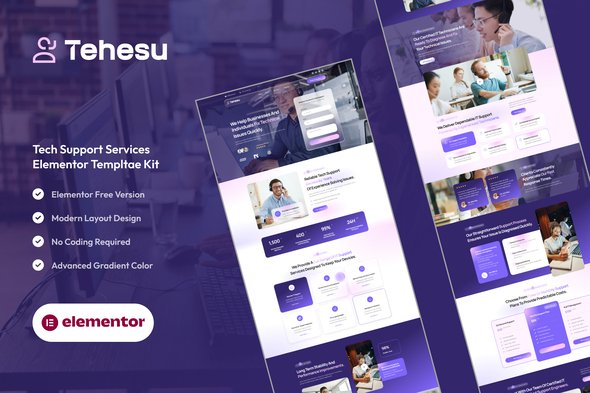
With Tehesu, you can easily showcase your technical services, pricing plans, troubleshooting guides, support team, and customer testimonials using beautifully designed pages — all fully responsive and customizable with the free version of Elementor. No Elementor Pro required. Built for performance and optimized for SEO, Tehesu helps your tech support business look modern, trustworthy, and efficient.
Key Features:
Professional Tech Support Design:
Clean and structured layouts tailored for IT and helpdesk services, combining professionalism and clarity for better customer trust.
Fully Responsive:
Looks perfect on any device — desktop, tablet, and mobile.
Uses Free Elementor Only:
No Elementor Pro needed. All templates work with the free version of Elementor.
Optimized for Speed & SEO:
Lightweight, fast-loading, and optimized for search engines to boost visibility and performance.
Cross-Browser Compatible:
Works seamlessly on Chrome, Firefox, Safari, and Edge.
No Pro upgrade required
Template Pages Included:
- Home
- About Us
- Our Team
- Our Services
- Detail Service
- Our Pricing
- Our Projects
- Detail Project
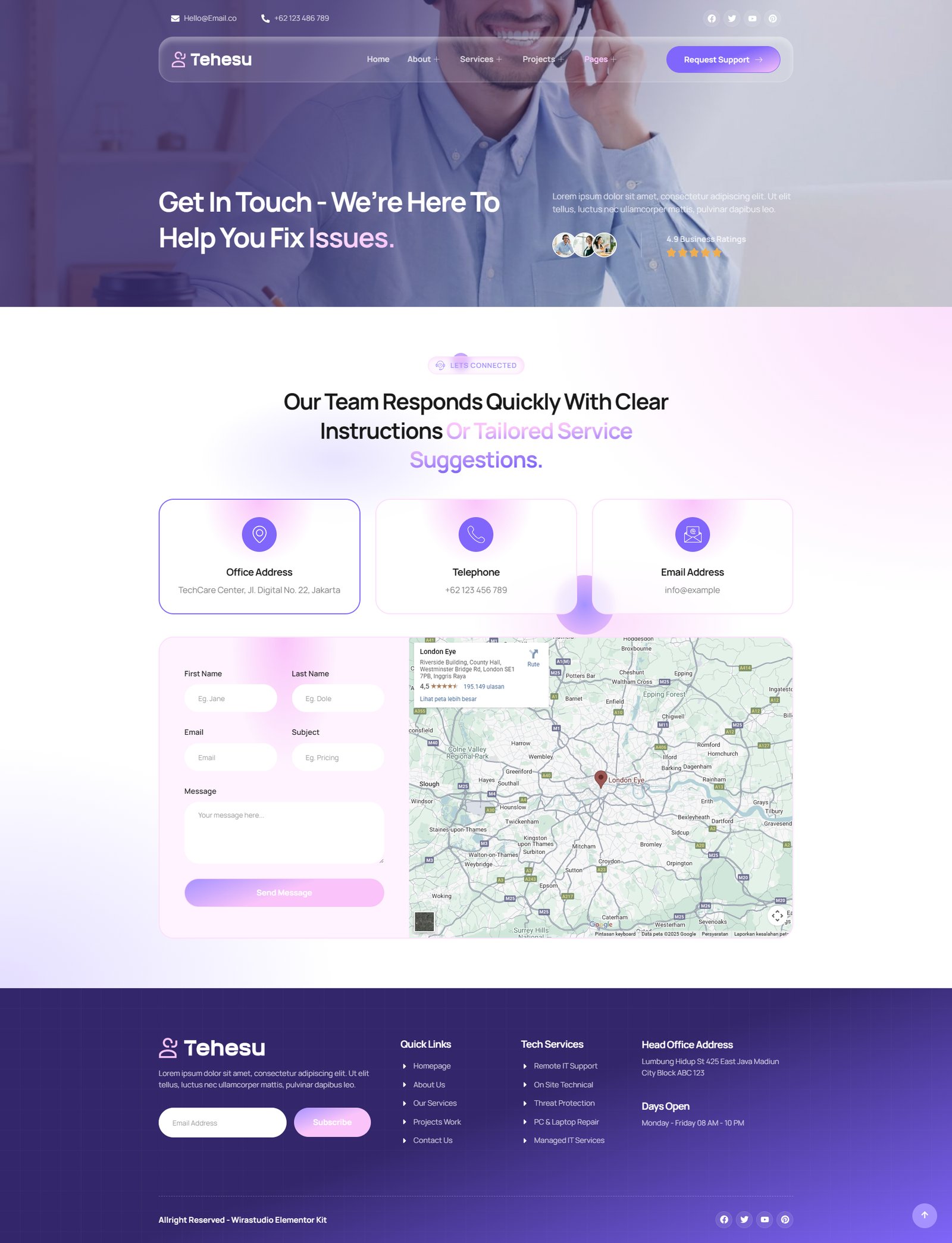
- Contact Us
- FAQs
- Testimonials
- 404
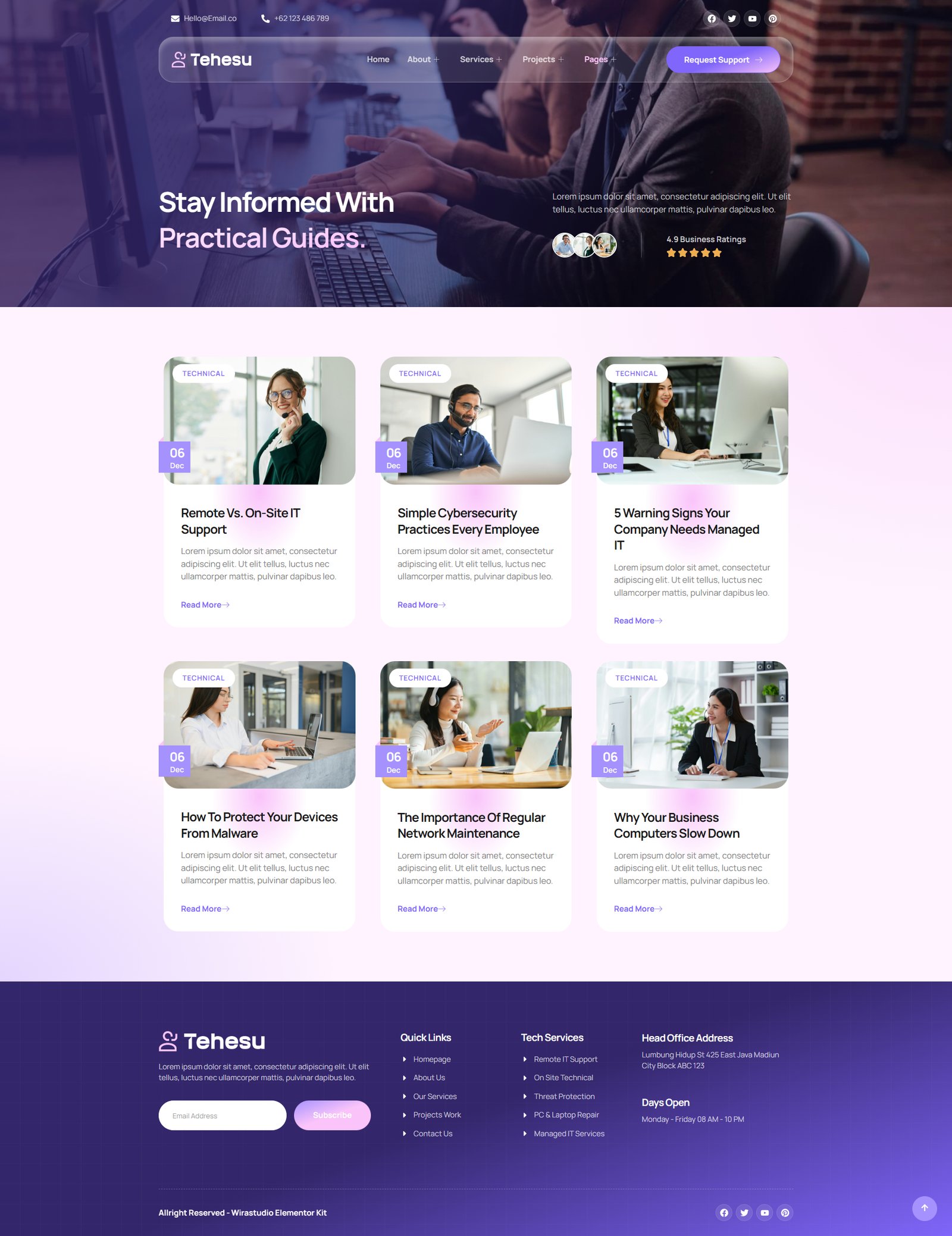
- Blog
- Single Blog
- Global Style
- Block – Header
- Block – Footer
- Block – Off Canvas Content
- MetForm – Contact Form
- MetForm – Submit Question
- MetForm – Subscribe Form
- MetForm – Fast Quotation Form
Template Features:
- No Pro Plugin Needed
- True No Coding Required
- Global Theme Style
Required Plugins installed with kit
- Elements Kit Lite
- MetForm
- The Plus Addons for Elementor
How to Use Template Kits:
Activated Glass Morphism Extensions First Before Import
- Go to The Plus Addons
- Select Extensions
- Then Search Glass Morphism
- Then Enable that.
This is not a WordPress Theme. Template kits contain the design data for Elementor only and are installed using the envato Template Kit Import plugin for WordPress or directly through Elementor.
How to Import Metforms
- Import the metform block templates
- Import the page template where the form appears and right-click to enable the Navigator
- Locate and select the Metform widget and click Edit Form. Choose New, then Edit Form. The builder will appear
- Click ‘Add Template’ grey folder icon.
- Click ‘My Templates’ tab.
- Choose your imported metform template, then click ‘Insert’ (click No for page settings).
- Once the template is loaded, make any desired customizations and click ‘Update & Close’ The form will appear in the template
- Click Update
Setup Global Header and Footer in ElementsKit
- Import the header and footer template
- Go to ElementsKit > Header Footer select Header and click Add New
- Give it a title, leave Entire Site selected and toggle Activation to On
- Click the template title and Edit Content
- Click the gray folder icon and select the header template to import and Update.
- Repeat for Footer



Reviews
There are no reviews yet.