


Description
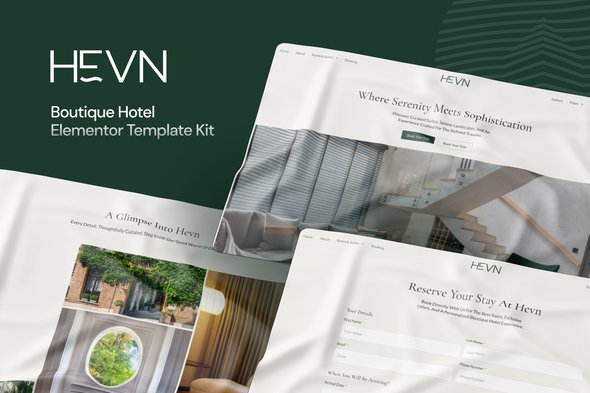
Perfect for hospitality businesses who want a sophisticated online presence, Hevn emphasizes clean design, modern typography, and immersive visuals that capture the spirit of boutique travel.
Features
- Luxury-Inspired, Elegant Design
- Optimized for Hotels, Resorts, and Villas
- Fully Customizable with Elementor Free
- Booking & Consultation Forms Built with MetForm
- High-Converting Layouts with Clear Calls-to-Action
Templates Included
- Home
- About
- Suites
- Suite Detail
- Booking
- Gallery
- Blog
- Single Post
- Contact
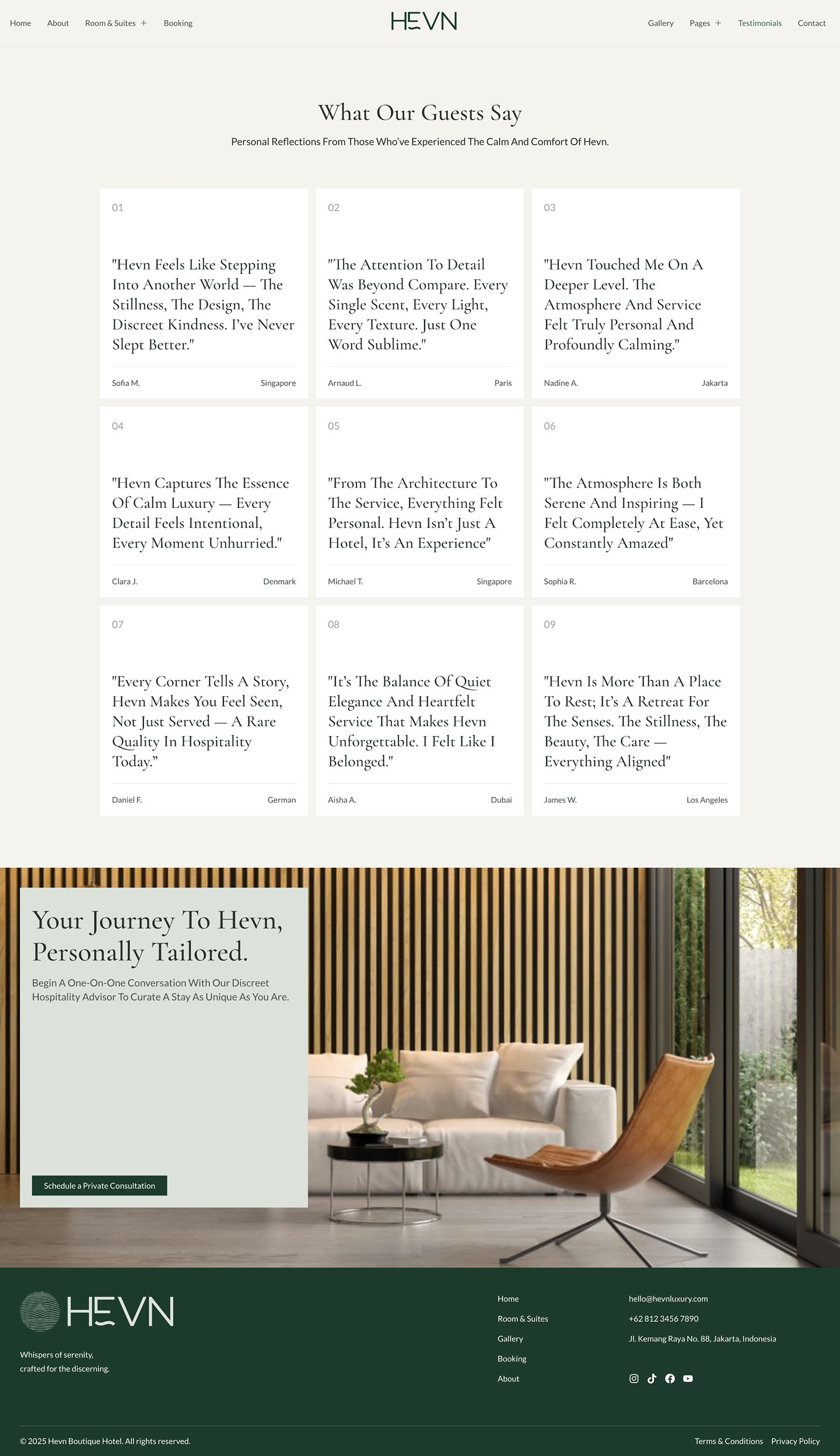
- Testimonials
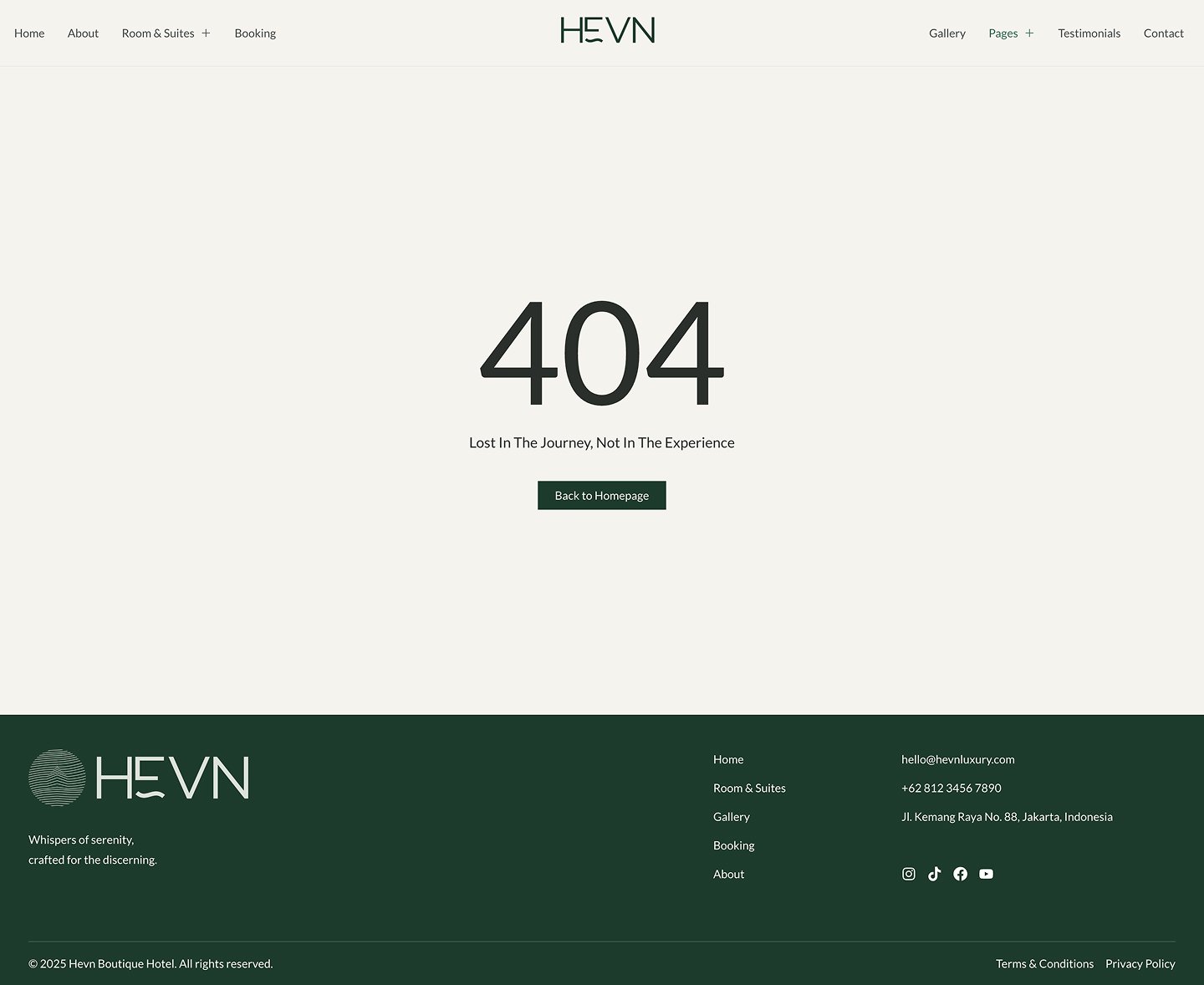
- 404 Page
- Header
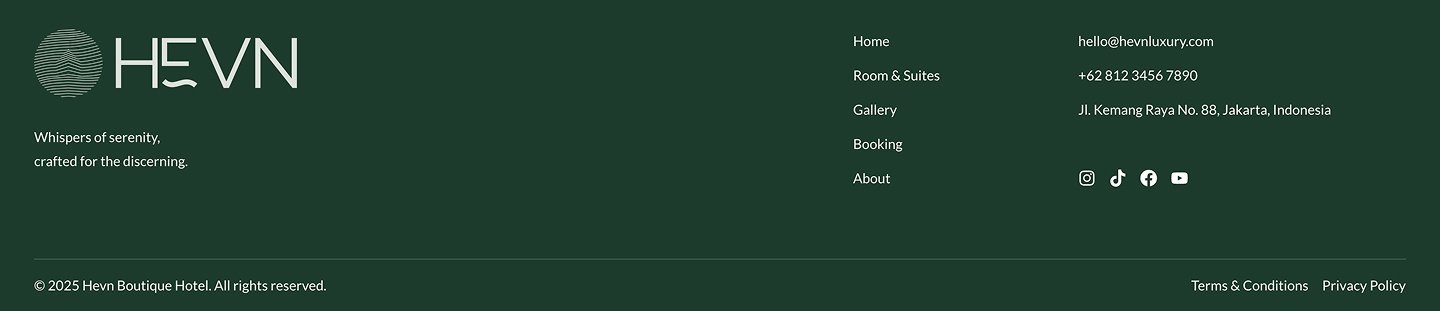
- Footer
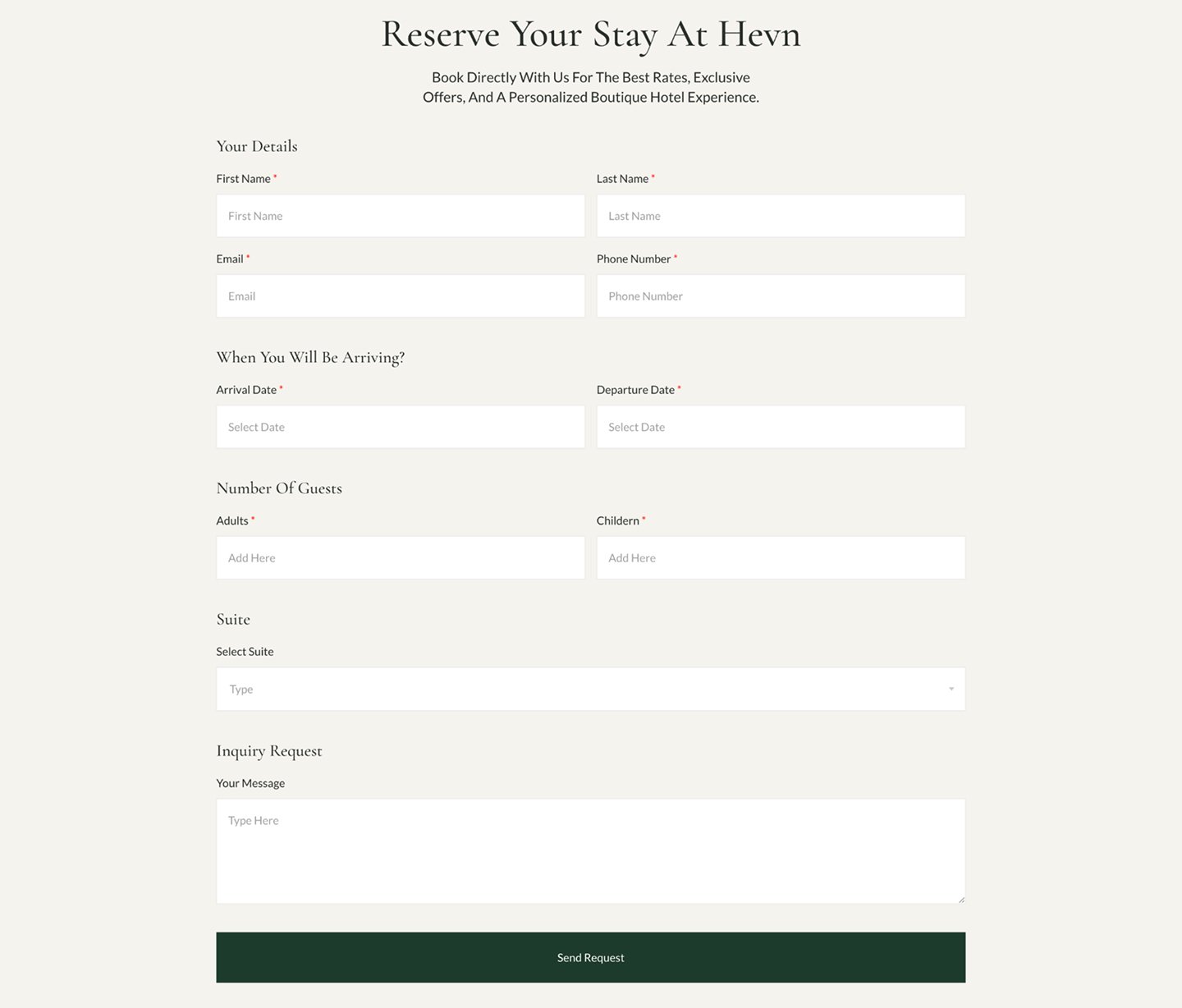
- Booking Form
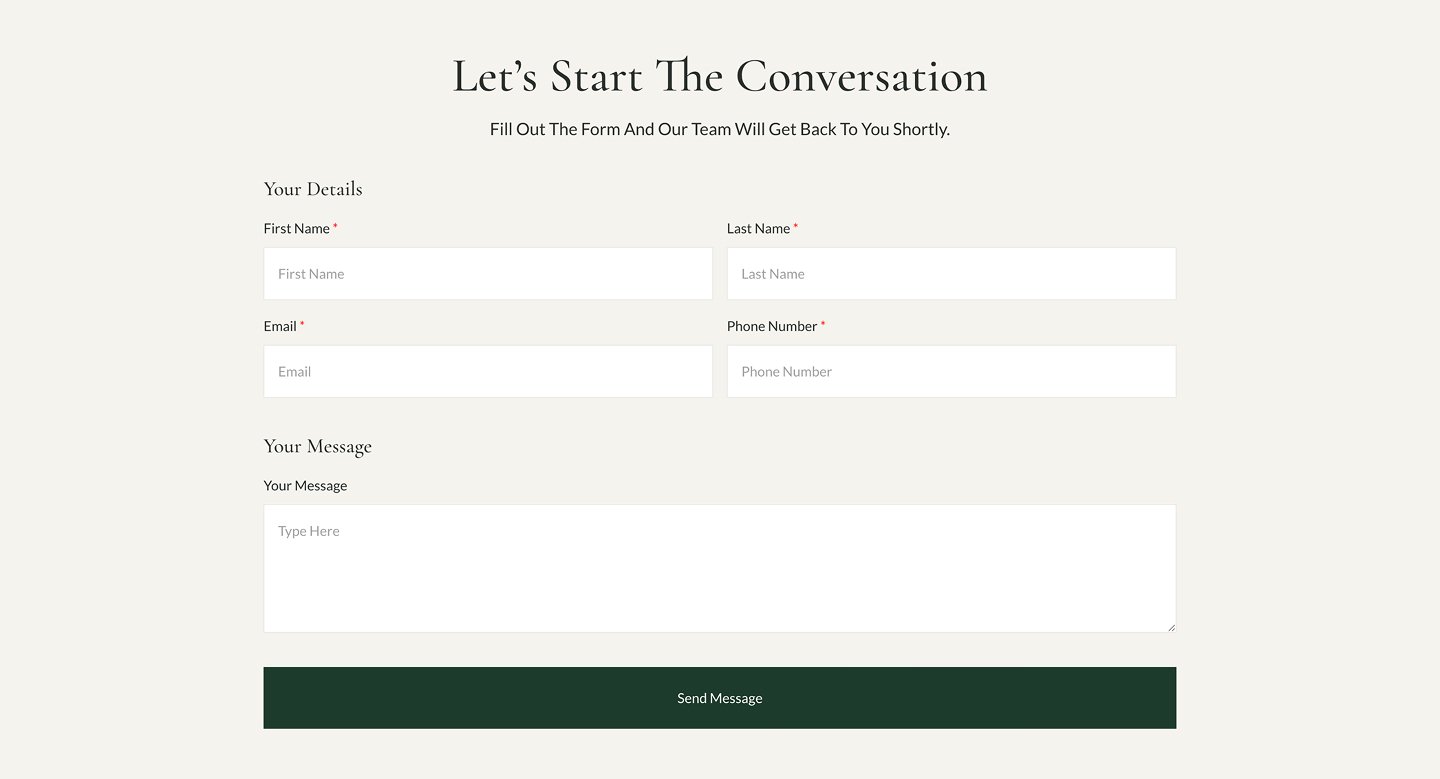
- Contact Form
Required Plugins
- Elementor
- ElementsKit Lite
- Jeg Elementor Kit
- Metform
- Sticky Header Effects for Elementor
How to Use Template Kits This is not a WordPress Theme. Template kits contain design data for Elementor only and are installed using the Envato Elements plugin or directly via Elementor.
- Download your kit file from Envato and do not unzip it.
- Install and activate the “Hello Elementor” theme.
- Go to Plugins and ensure Elementor and Envato Elements are installed and activated.
- Activate Flexbox Containers in Elementor > Settings > Features if needed.
- Go to Elements > Installed Kits > Upload Template Kit Zip.
- Install required plugins.
- Import Global Kit Styles first.
- Import templates one by one in the suggested order.
Creating Pages
- Go to Pages > Add New and click “Edit with Elementor.”
- Set Page Layout to “Elementor Full Width.”
- Click the folder icon → “My Templates” → import desired layout.
- Set homepage via Settings > Reading.
Importing MetForms
- Import MetForm blocks.
- Edit page template, click MetForm widget → Edit Form.
- Choose New → Edit → Click folder icon.
- Select imported form → Update → Update again.


Reviews
There are no reviews yet.