



Description
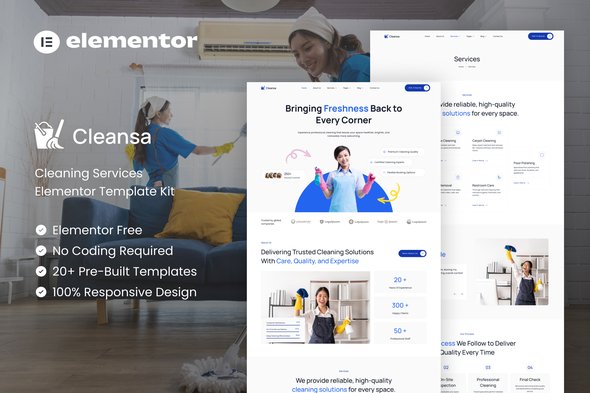
Packed with beautifully crafted pages, Cleansa allows you to showcase your services, highlight pricing, display testimonials, and create a strong brand identity in minutes. Built with Elementor, it ensures fast editing, user-friendly customization, and top-tier performance optimized for SEO. Whether you’re launching a new cleaning business or upgrading your existing website, Cleansa helps you build trust, increase bookings, and grow your business with a professional and reliable online presence.
Important: This is an Elementor Template Kit. Do not use WordPress Tools > Import. Install the Template Kit Import plugin (Plugins > Add New > search “Template Kit Import” by Envato), then go to Tools > Template Kit to import.
Features:
- For Cleaning Services
- Fully With Elementor Free Version (Elementor Pro is not required)
- Simple, Modern and Clean Design
- No Coding Knowledge Required
- 20+ Ready To Use Templates
- Easy & Fully Customizable
Templates Include:
- Global Kit Style
- Home
- About Us
- Services
- Service Detail
- Projects
- Pricing
- Our Team
- Careers
- Testimonials
- Blog
- Single Blog
- FAQ
- Contact Us
- Metform Contact
- Metform Booking
- 404 Page
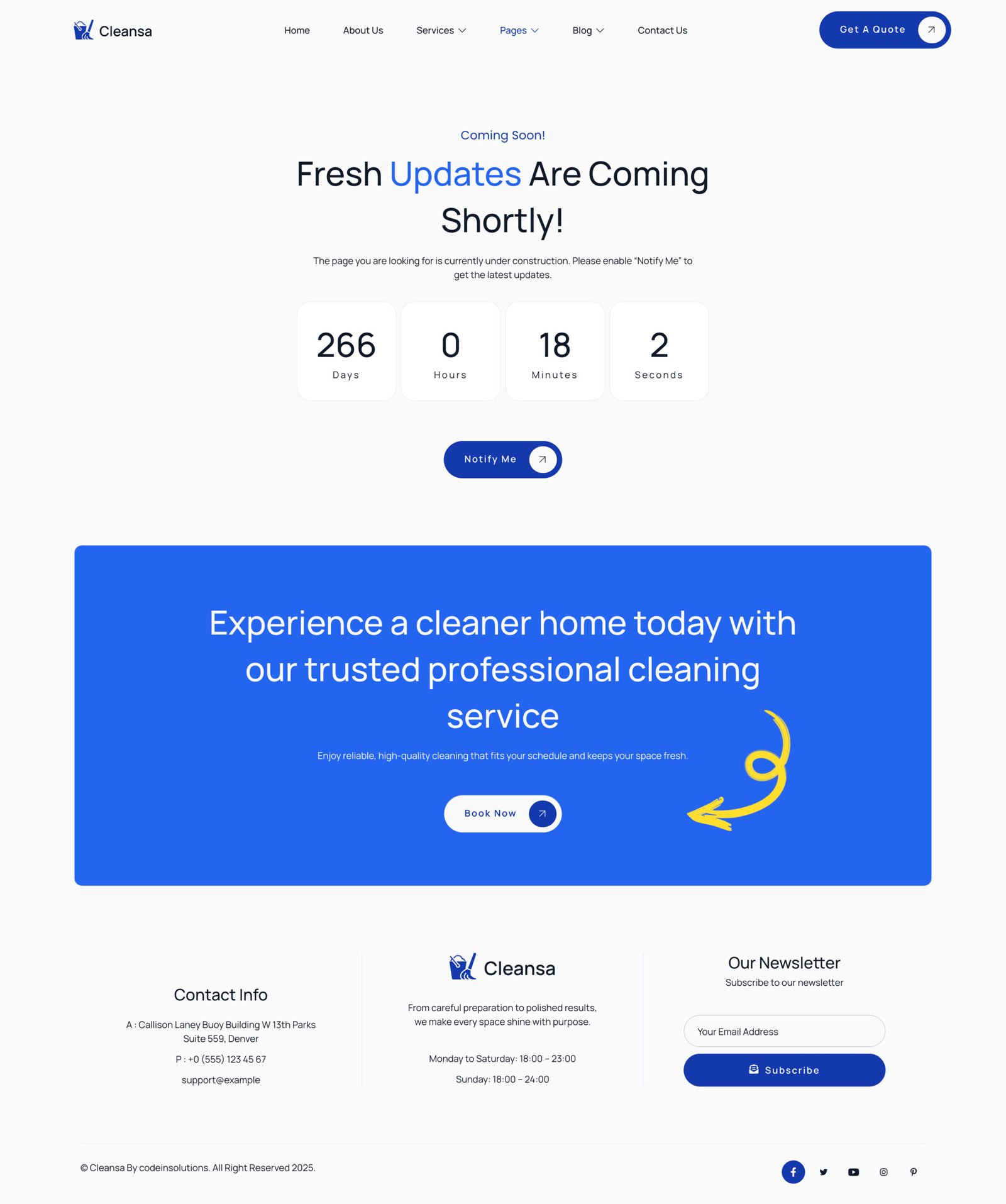
- Coming Soon
- Header
- Footer
Plugins installed with kit:
- Jeg Elementor Kit
- MetForm
How to Use Template Kits:
This is not a WordPress Theme. Template kits contain the design data for Elementor and are imported using the Template Kit Import plugin via Tools > Template Kit.
- Plugins > Add New → search “Template Kit Import” (by Envato) → Install & Activate
- Go to Tools > Template Kit
- Upload your Template Kit ZIP
- Click “Install Requirements”
- Import “Global Kit Styles” first, then the pages/parts you need
How To Import Metform Custom Form
- Import metform template
- Import the template where the form appears, then edit in Elementor
- Click the Metform widget in the column where the form should be and click Edit Form
- Select New, leave blank selected then click Edit Form button
- Click ‘Add Template’ grey folder button
- Click ‘My Templates’ tab
- Choose your imported metform template, then click ‘Insert’
- Once the template is loaded, click ‘Update’
How to setup header in Jeg Elementor Kit plugin If you have Elementor Pro, headers and footers may be customized under Theme Builder.
- Go to Jeg Elementor Kit menu item > Header Template
- Click Add New Header
- Add condition > All Site and click Create
- Click the pencil icon to Edit and elementor will appear
- Click gray folder icon to access My Templates tab
- Insert the header template.
- Customize and Save.


Reviews
There are no reviews yet.