
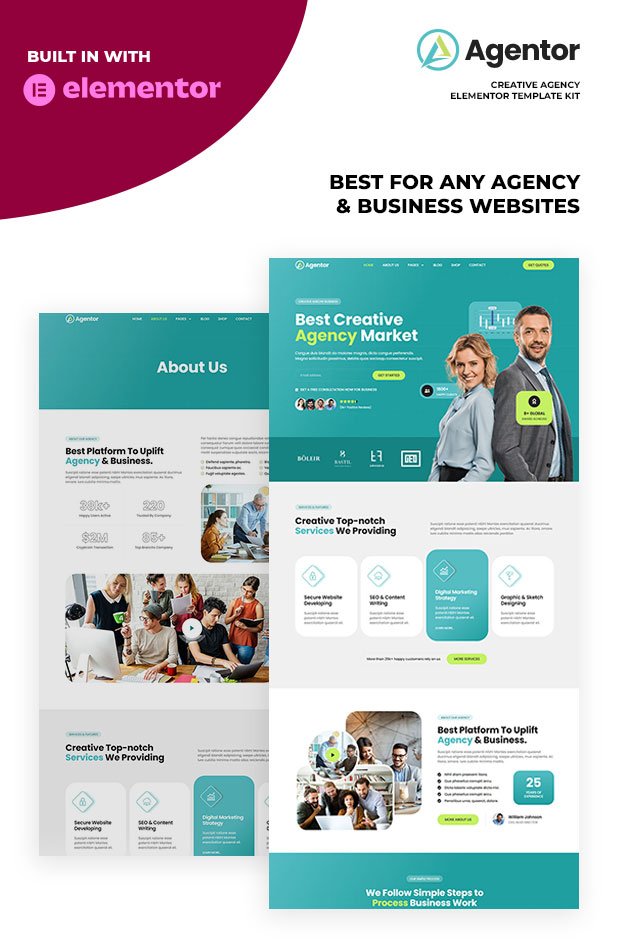
Description
Highlighted Features
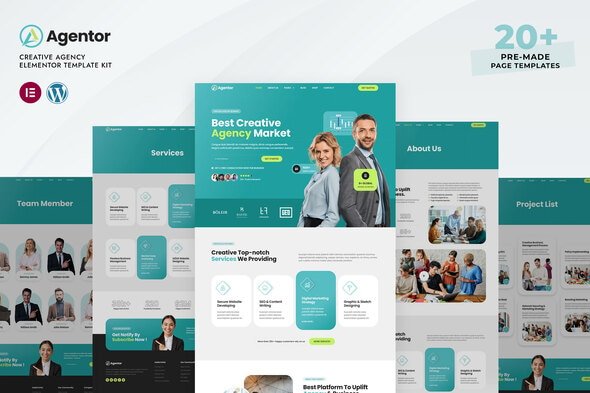
- Modern & Professional Design
- Shop Ready Templates
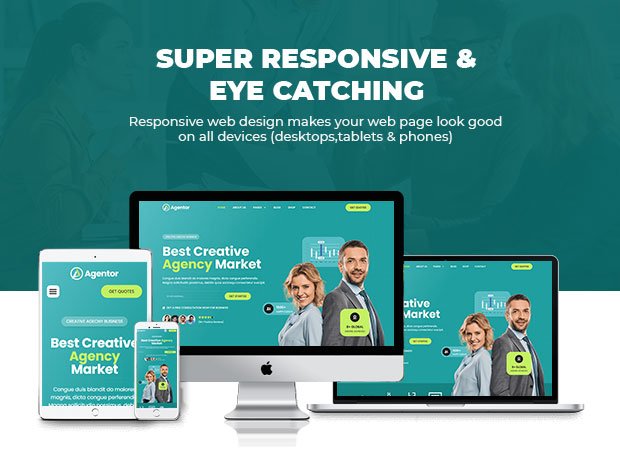
- Fully Responsive Layout
- Speed optimized for Fast-loading
- Fully Customizable
- Works with most Elementor Themes
- No Coding Required
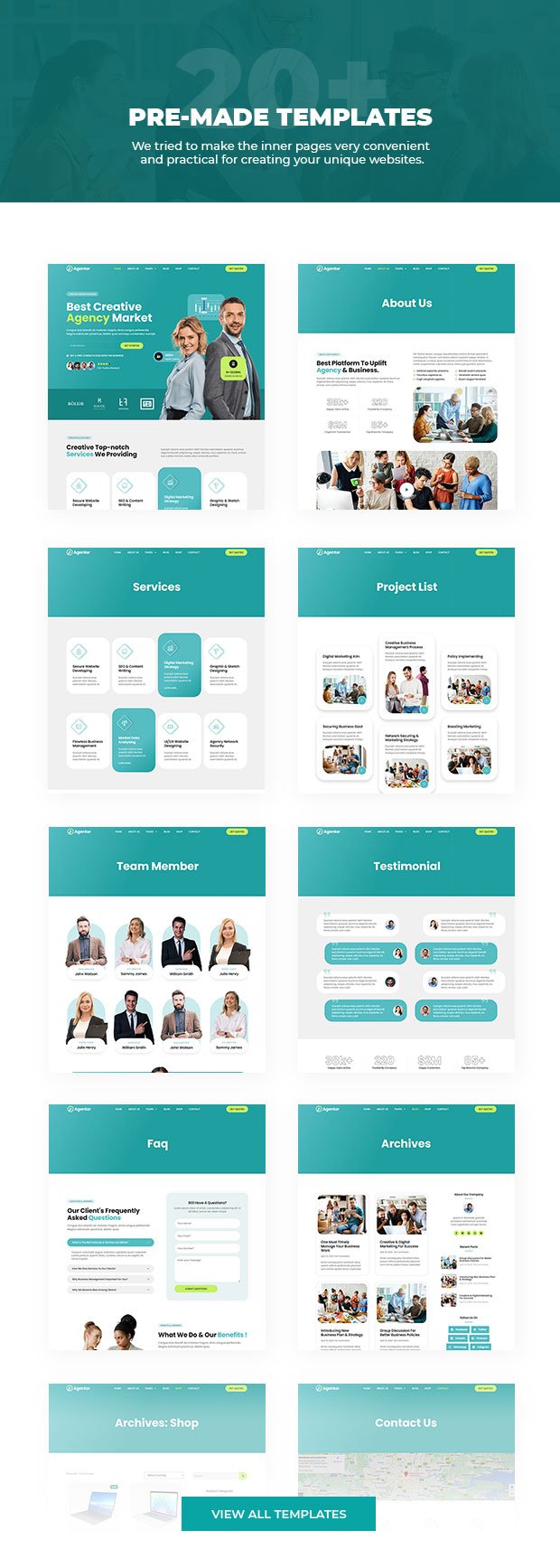
Page templates included
- Global Kit Styles – Customize fonts & color in one place
- Home
- About Us
- Services
- Service Detail
- Project List
- Project Detail
- Team Member
- Career List
- Career Detail
- Testimonial
- Faq
- Contact
- Coming Soon
- Blog
- Shop / Products
- Shop / Products Detail
- Product Cart
- Product Checkout
- My Account Page
- Single Post for Theme Builder
- 404 Error Page
- Search Result for Theme Builder
- Header for Theme Builder
- Footer for Theme Builder
Compatible Themes
- Hello Elementor
- Most of themes that compatible with Elementor
Required Plugins installed with kit
- Elementor
- ElementsKit Lite
- WooCommerce (for shop pages)
Elementor Pro upgrade is required to access the header, footer, and most templates and features. (not included)
How to Import Template Kits
- You need to install a Template Kit Importer plugin to be able to import templates that have been downloaded from Envato. Install and Activate the “Template Kit Import” plugin from Plugins > Add New in WordPress
- Once the plugin is activated, go to Tools > Template Kit
- Click on Upload Template Kit ZIP File to browse to your zip file and Import.
- Template Kit preview will be appear. Click on View Installed Kit.
- An orange banner will be appear to install required additional plugins. Click Install Requirements buton.
- A popup will be appear listing the plugins needs to be installed and activated. Click Install Requirements to proceed.
- Start importing your templates and blocks by clicking the Import Template button.
Creating pages
- Go to Pages and create a new page and click Edit with Elementor
- Click the gear icon at lower-left of the builder to view page settings and choose Elementor Full Width and hide page title
- Click the gray folder icon to access My Templates tab and then Import the page you’d like to customize.
- The home page is set under Settings > Reading by selecting Static Front Page.


Reviews
There are no reviews yet.