


Description
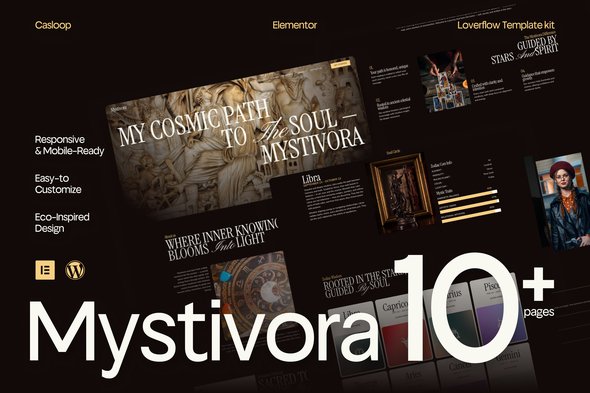
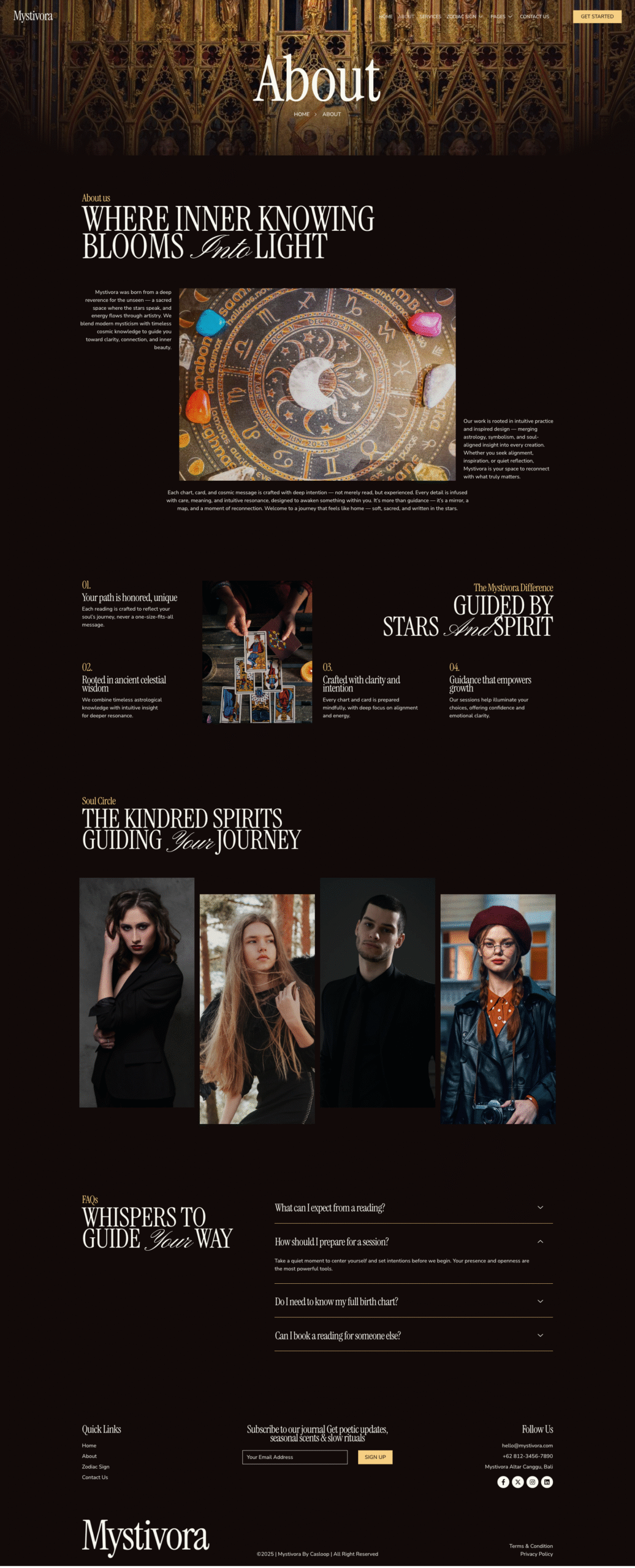
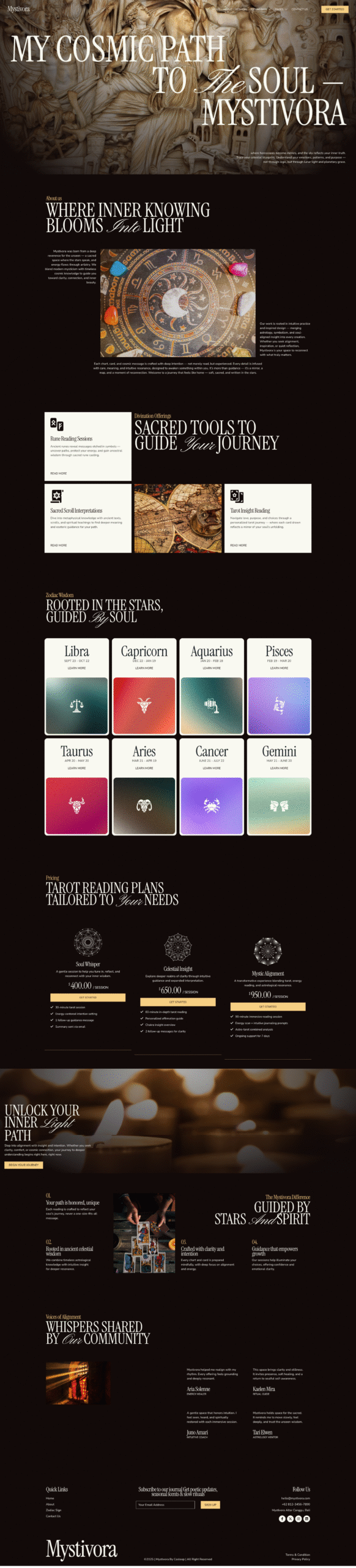
With ethereal layouts, floating type, and poetic flow, Lunaria turns your services into an experience. Whether you offer birth chart readings, zodiac insights, or moon circle sessions, this template is your digital moonstone — calming, clear, and full of quiet magic.
Fully responsive, mobile-friendly, and crafted with Elementor Free, Lunaria brings elegance to the esoteric — with just enough stardust and structure to let your energy shine.
Features Specification:
- Built using Elementor Free (no pro plugin needed)
- Completely responsive and mobile-optimized
- Lightweight design for smooth performance
- Dreamy, mystical visual aesthetic
- Custom sections for services, booking, testimonials, and zodiac content
- Elegant minimalist layout with spiritual tone
- Ideal for astrology, tarot, reiki, or intuitive services
- Typography designed for softness and clarity
- Easy to customize — no coding required
- Casloop-crafted with celestial precision
Pages Included:
- Home
- About
- Service
- Zodiac Sign
- Single Zodiac
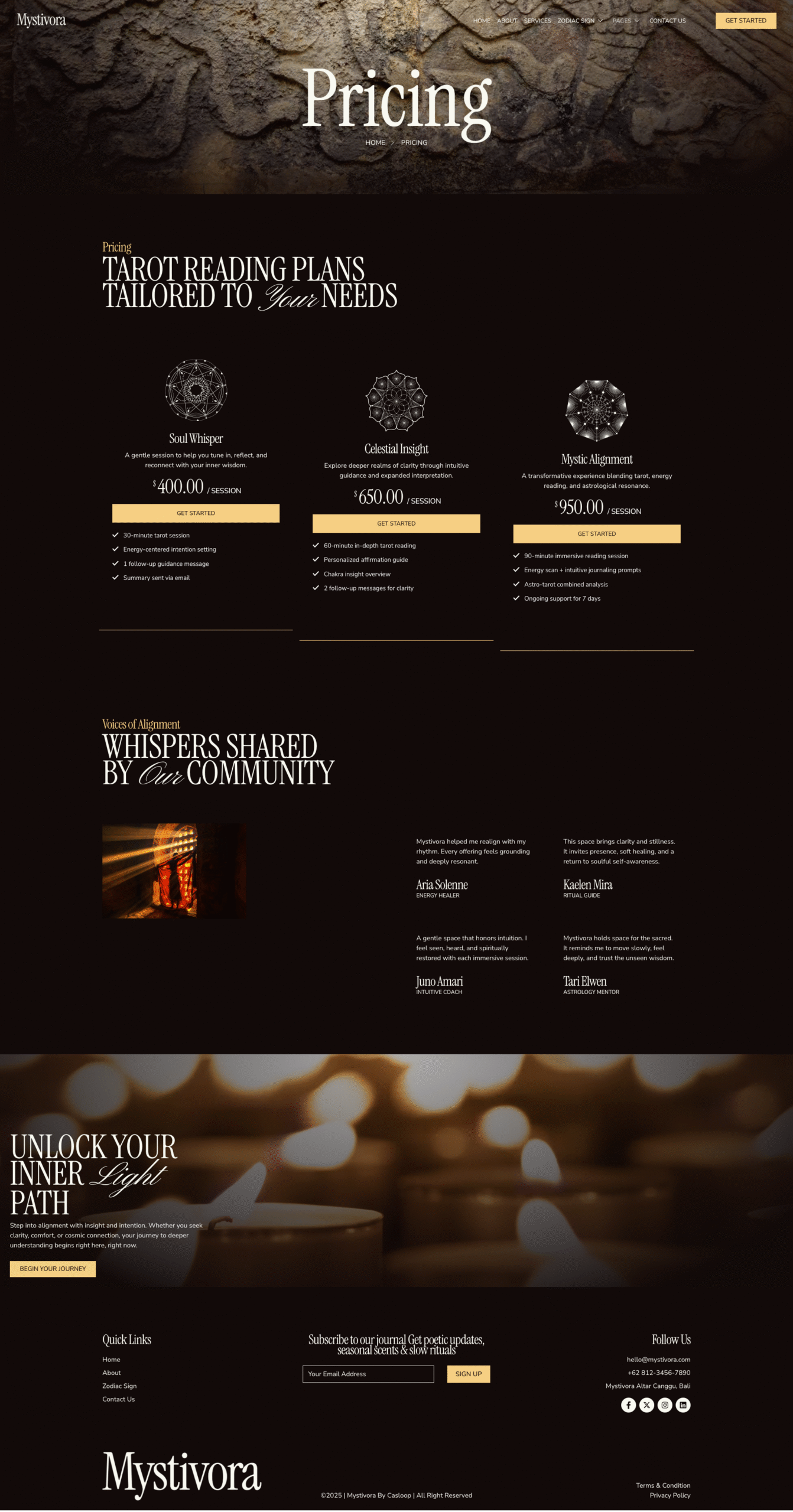
- Pricing
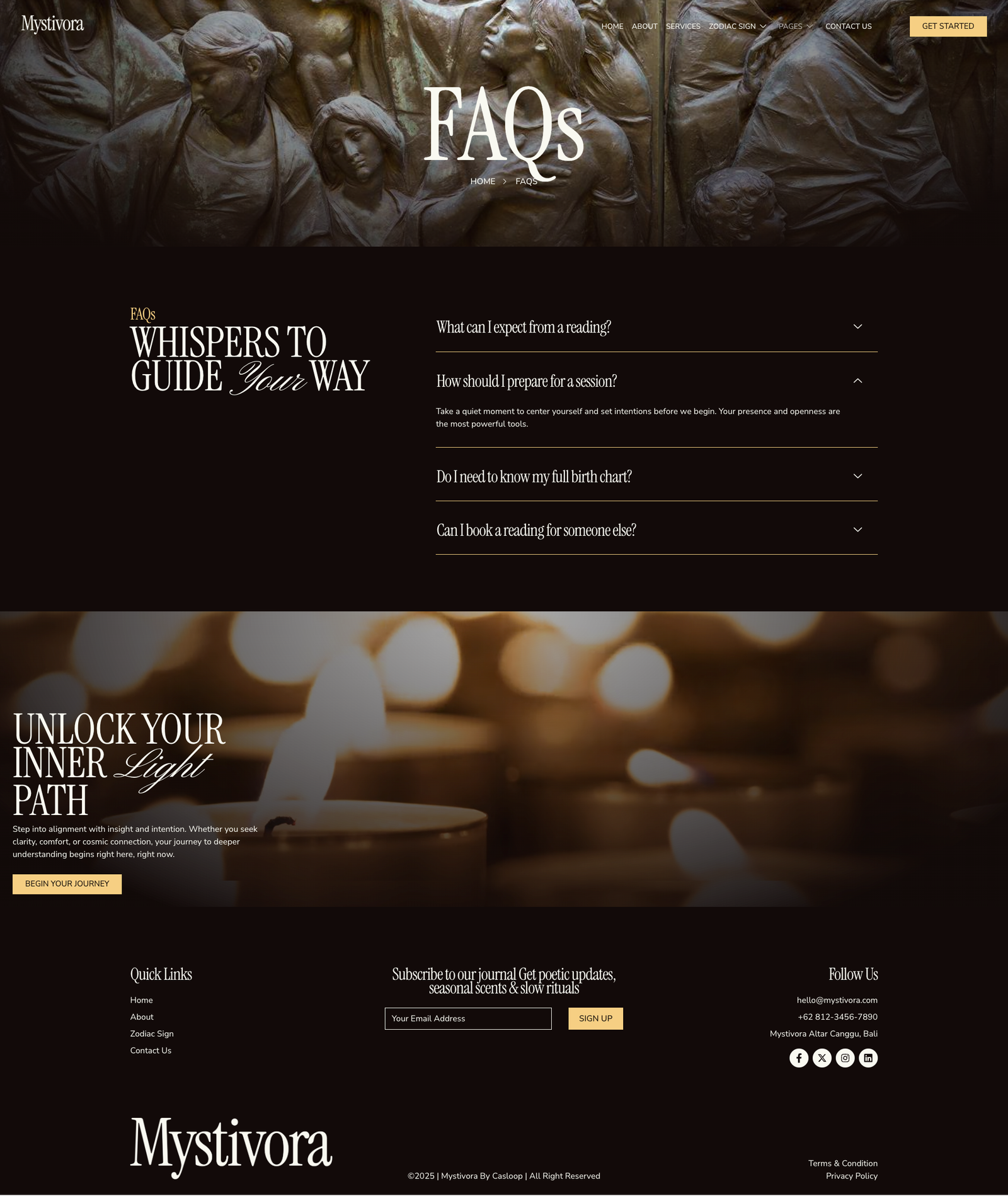
- FAQs
- Team
- 404 Page
- Thank You
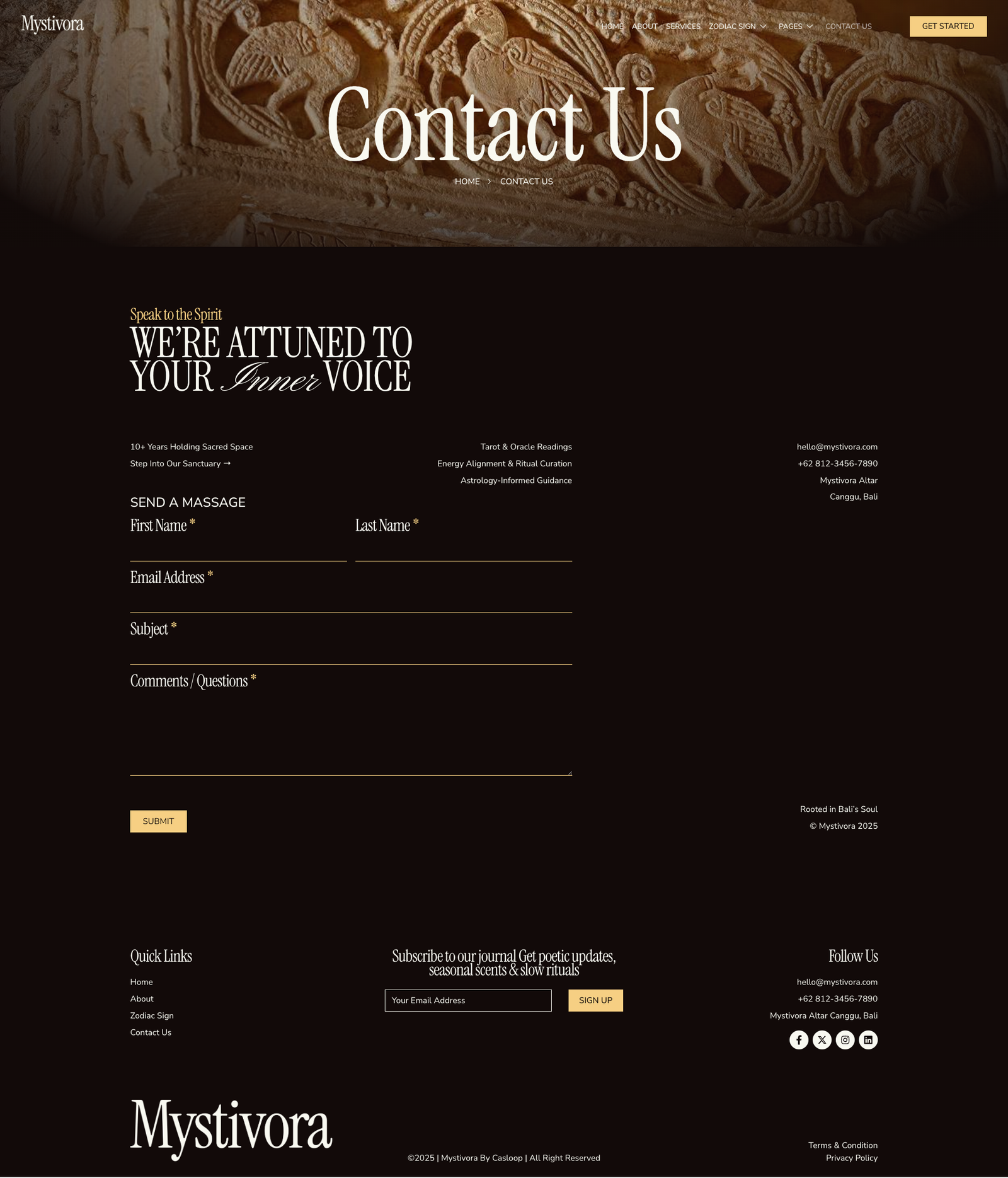
- Contact Us
Blocks Included:
- Header
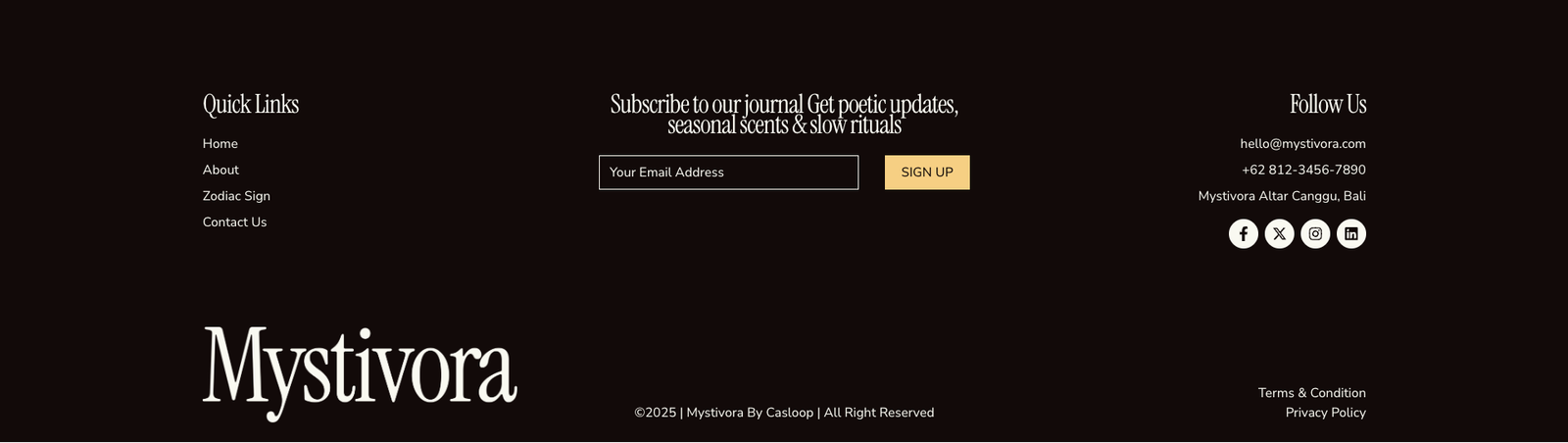
- Footer
Included Plugins:
- Elementor
- Jeg Elementor Kit
- Met Form
- Elements Kit
How to setup header in Jeg Elementor Kit plugin If you have Elementor Pro, setup headers and footers in Theme Builder. Pages you create with Elementor must have the Page Layout set to Elementor Full width for the global header and footer to appear.
- Go to Jeg Elementor Kit menu item > Header Template
- Click Add New Header
- Add condition > All Site and click Create
- Click the pencil icon to Edit and elementor will appear
- Click gray folder icon to access My Templates tab
- Insert the header template.
- Customize and Save.
How to Import MetForm Custom Form:
- While edititing a page where a form should appear, open the Elementor navigator to locate the Metform widget.
- Click Edit Form in the builder panel.
- Select New, leave blank selected then click Edit Form button.
- Click ‘Add Template’ grey folder button.
- Click ‘My Templates’ tab.
- Choose your imported MetForm template, then click ‘Insert’.
- Once the template is loaded, click ‘Update’.



Reviews
There are no reviews yet.