

Description
Templates:
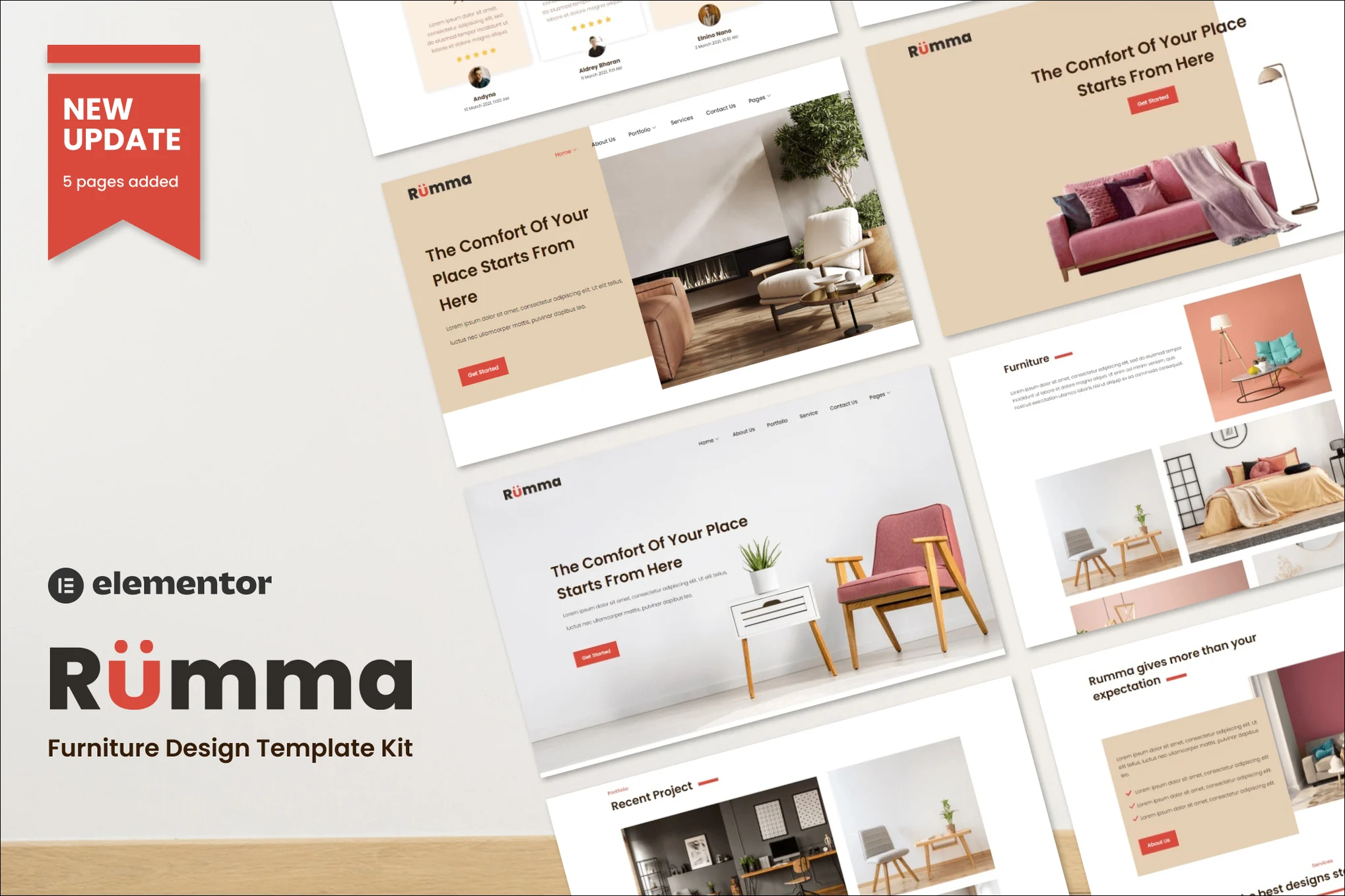
- Homepage 1
- Homepage 2
- Homepage 3
- About Us
- Service
- Our Team
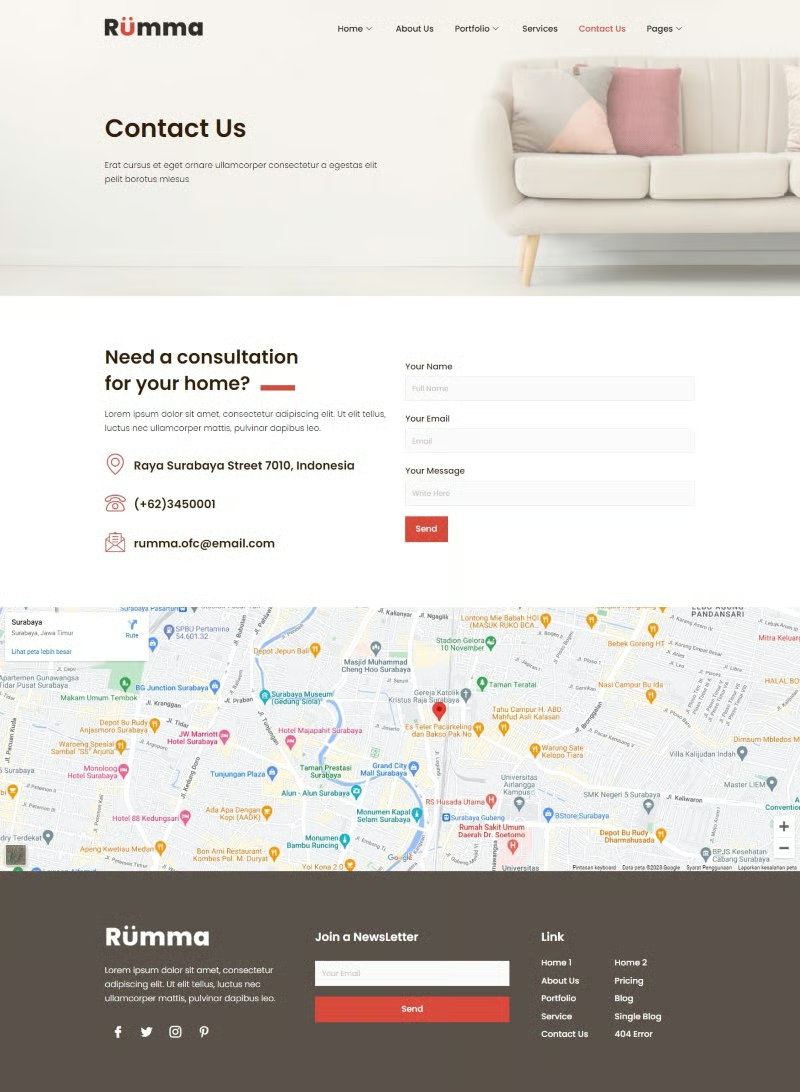
- Contact Us
- Pricing
- 404
- Portfolio
- Portfolio 2
- Portfolio Detail
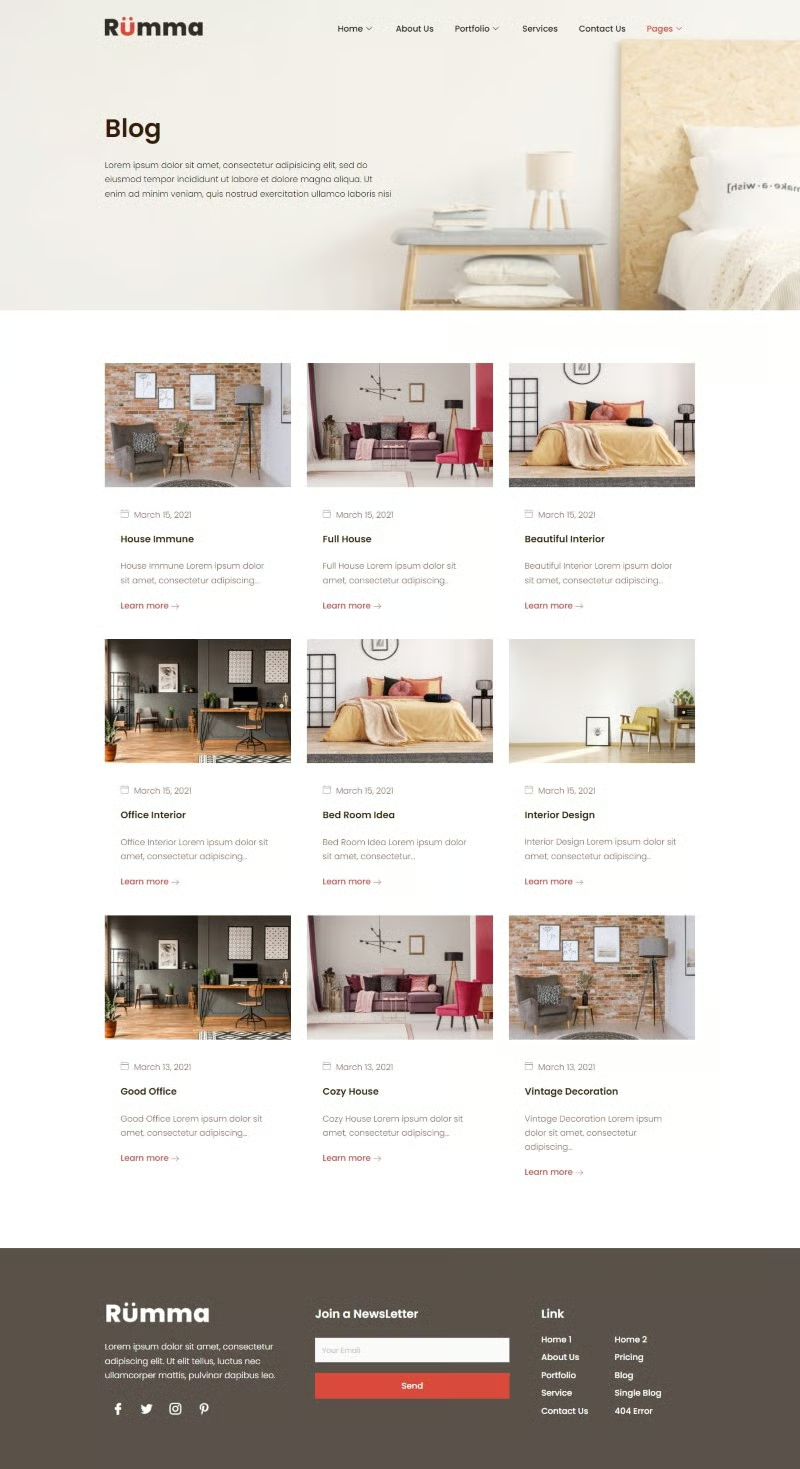
- Blog
- Single Blog
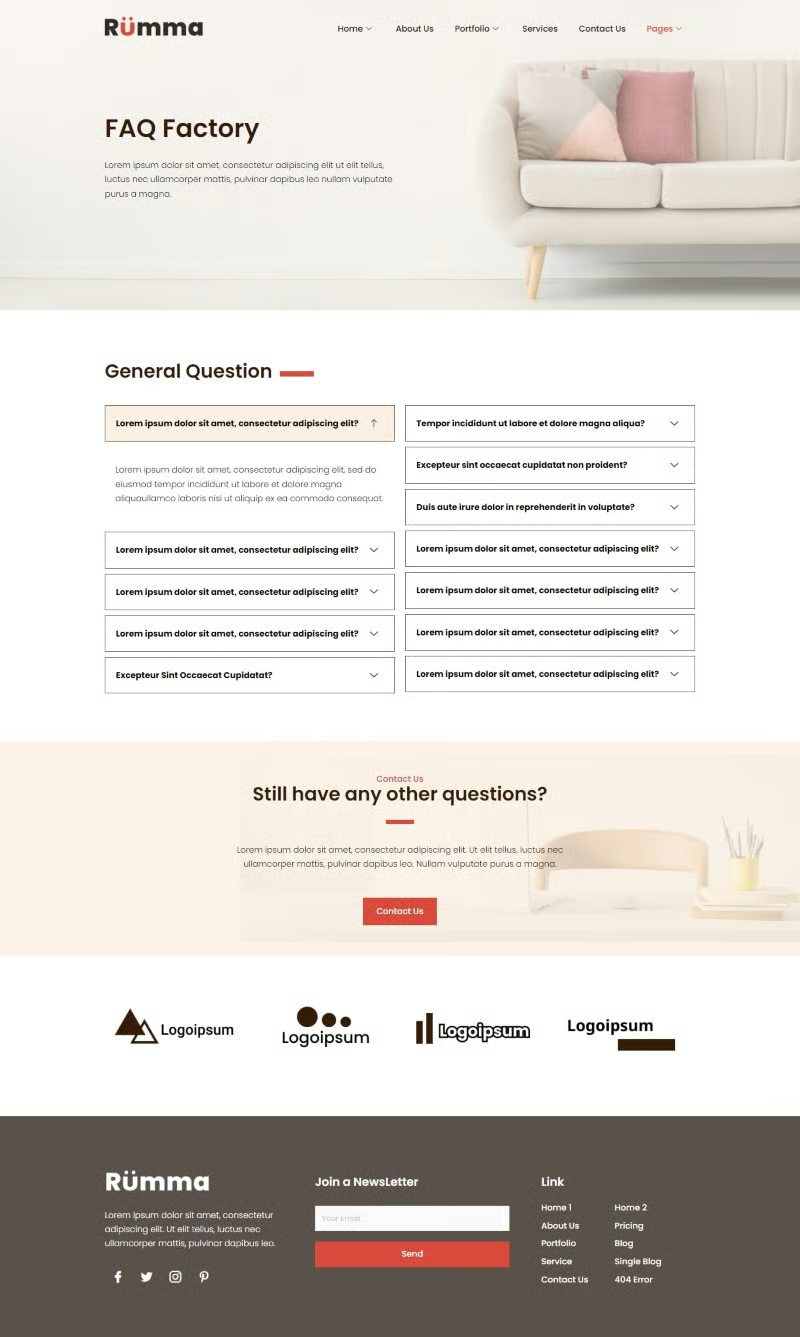
- FAQ
Required Plugins installed with kit:
- Elementor
- ElementsKit Lite
- MetForm
- Sticky Header Effect for Elementor
### How to Install Install and Activate the Envato Elements plugin from Plugins > Add New in WordPress, then activate your subscription. Premium kits may be loaded directly from the Premium Kits library. Manual import: Do not unzip the download. Upload the Kit zip under Elements> Installed Kits by clicking the Import Kit button. Before importing a template, ensure the Install Requirements button is clicked to activate required plugins. For best results, do not import more than one template at a time.
### How to Import Metforms
- Import the metform block templates
- In WordPress menu go to Metform , click Add New, give it a name then scroll down and click Edit Content button at the bottom
- Click ‘Add Template’ grey folder icon.
- Click ‘My Templates’ tab.
- Choose your imported metform template, then click ‘Insert’ (click No for page settings).
- Once the template is loaded, make any desired customizations and click ‘Update’ then return to admin.
- Go to Elements > Installed Kits, Import and view the template where the form appears
- Right click the page to open the Navigator and locate the Metform widget
- Click Edit Form in builder panel and your form should be there in dropdown, click Edit form and Update/Close. Your form should appear.



Reviews
There are no reviews yet.